ValueAnalyzer screenshot

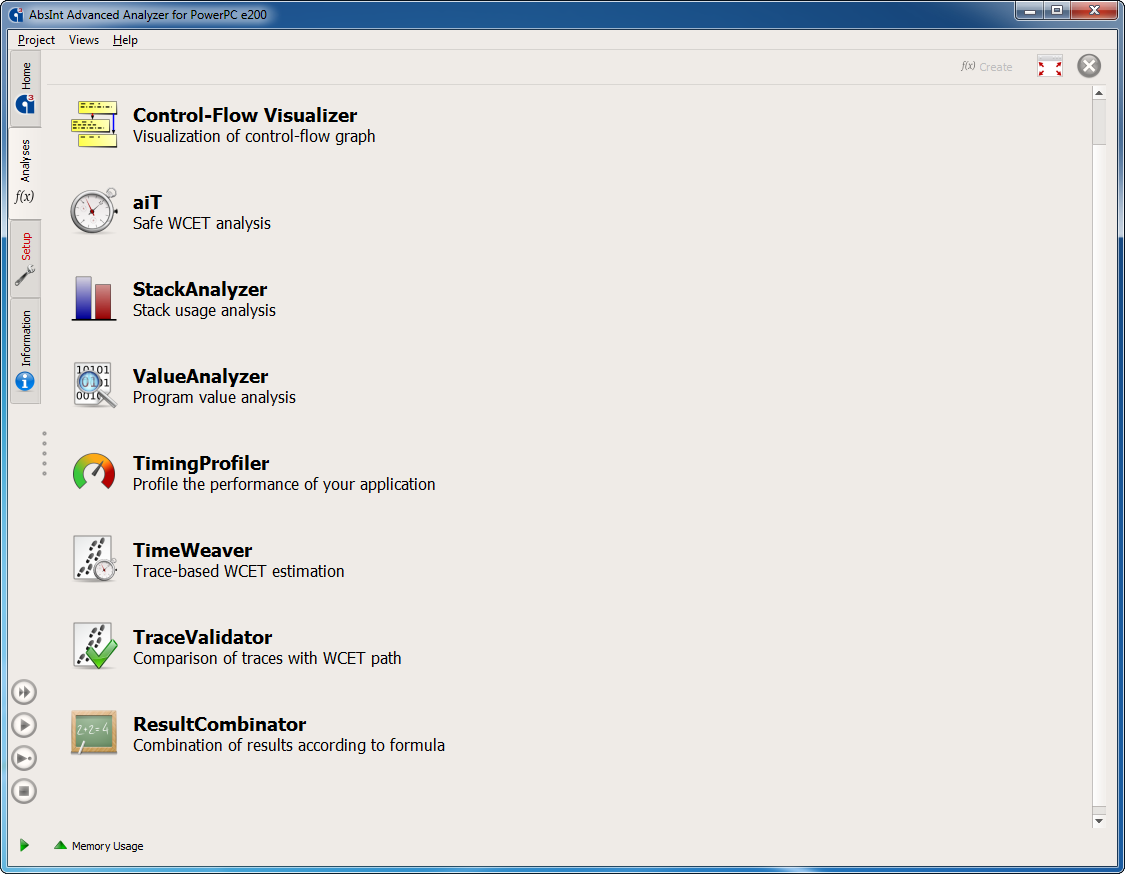
ValueAnalyzer is available as an ał module, i.e. it can be combined with other analyzers from AbsInt in a single intuitive user interface.

ValueAnalyzer screenshot

Selecting a program point in the disassembly view for which value analysis results should be displayed.

ValueAnalyzer screenshot

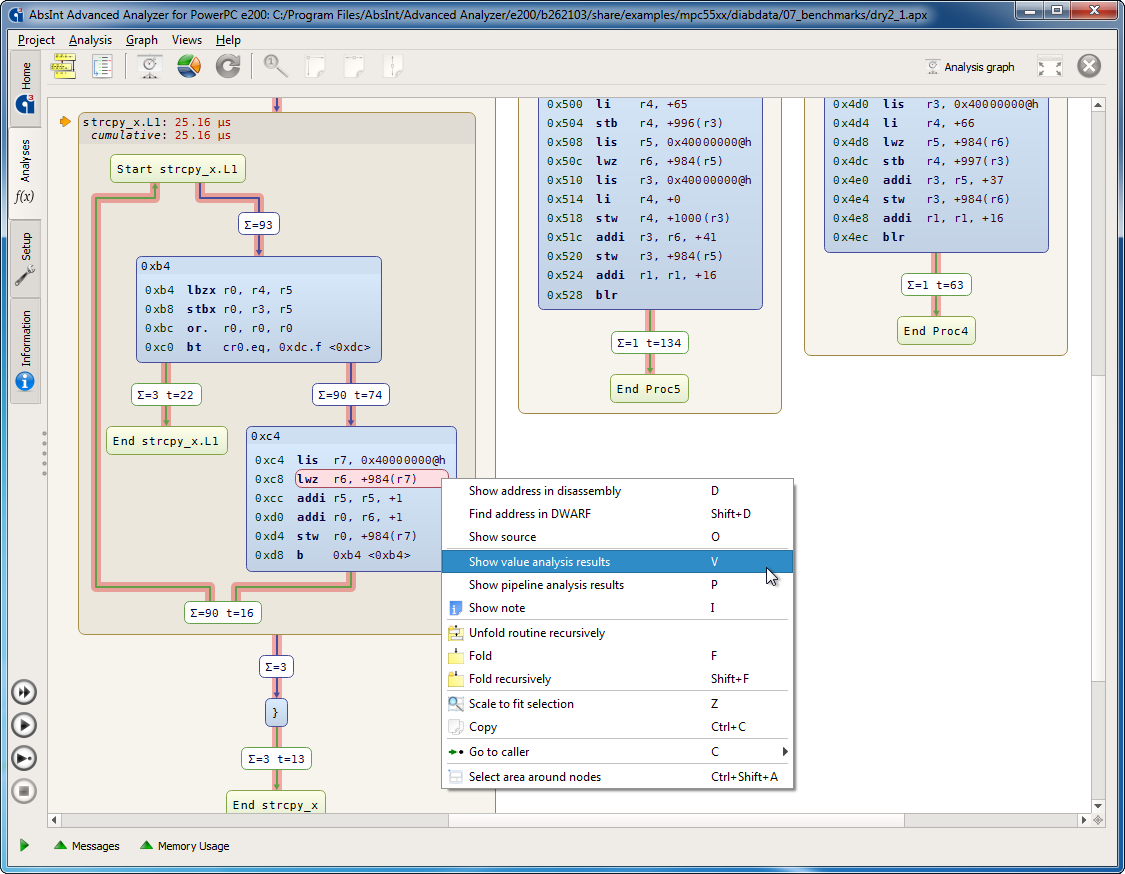
Selecting a program point in the control-flow graph view for which value analysis results should be displayed.


ValueAnalyzer screenshot

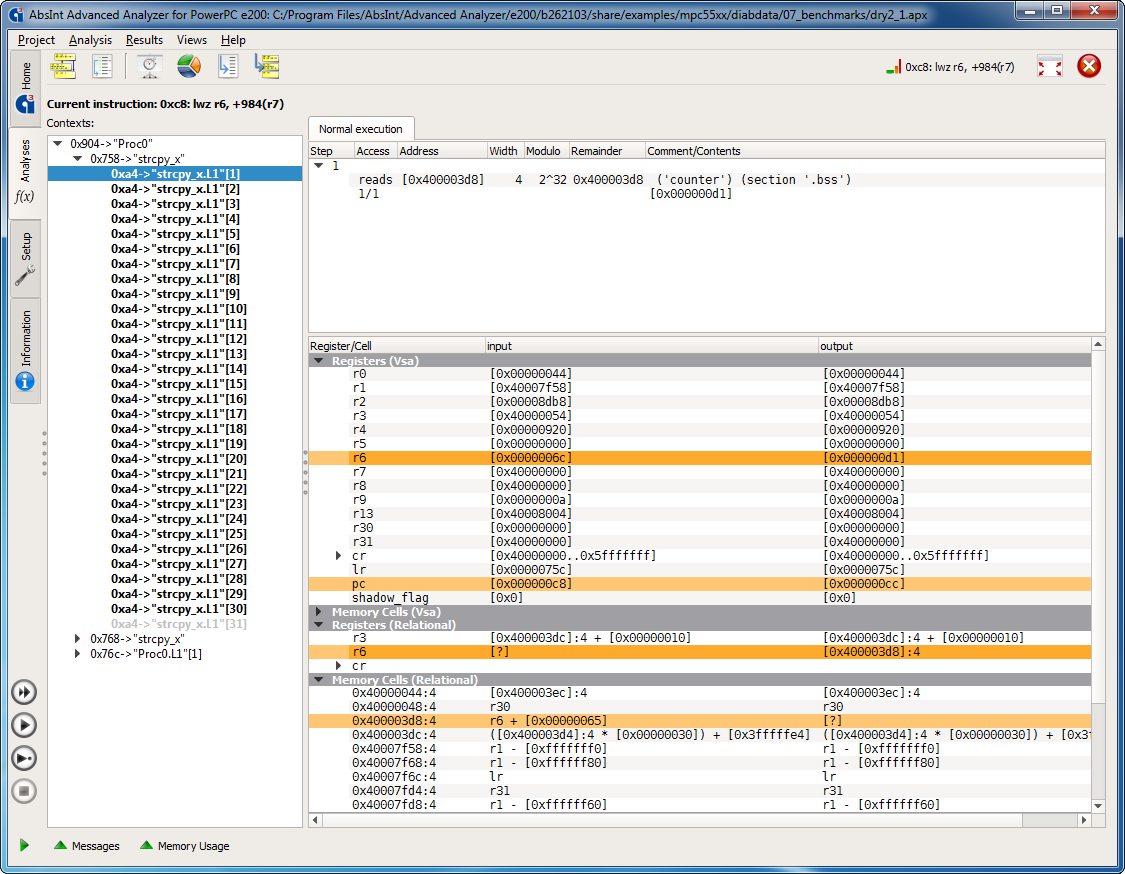
Value analysis results: the contents of all registers and memory cells at the selected program point are listed, values that change at this point are highlighted.


ValueAnalyzer screenshot

ValueAnalyzer for certain target processors (e.g. PowerPC) allows to optionally visualize the quality of its results. This is done by coloring instructions in the control-flow graph according to the precision of the obtained results. Darker shades of green mean higher precision, while darker shades of red mean lower precision.

Top